
Buying a modern television in India has evolved into an overwhelming technical maze. Walk into any major electronics showroom or browse e-commerce platforms like Amazon and Flipkart, and you will be inundated with confusing acronyms: LED, DLED, QLED, Neo QLED, Mini-LED, OLED, and QD-OLED. Sales representatives frequently push expensive display panels without evaluating whether those screens match the unique lighting, layout, and viewing conditions of Indian households. In a country where living rooms feature bright daylight from large balcony windows, reflective marble or vitrified tile flooring, and multi-generational family viewing habits, choosing the wrong display technology or screen size can lead to eye fatigue, washed-out images, or severe buyer remorse.
Key Display Takeaway
There is no single "best" television technology in absolute terms—only the best display for your room environment. While OLED panels deliver unmatched cinematic contrast, perfect pitch blacks, and wide viewing angles in dim home theater environments, high-brightness QLED and Mini-LED displays significantly outperform OLED in sun-drenched Indian living rooms with intense ambient daylight. Before allocating a budget of ₹30,000 to ₹1,50,000, calculating your viewing distance, room reflection characteristics, and audio setup requirements is essential.
1. Demystifying Display Technologies: How LED, QLED, Mini-LED & OLED Actually Differ
To navigate the modern television market, you must understand the underlying physics that produce the image on your screen. At a fundamental engineering level, consumer televisions in India belong to two distinct panel categories: transmissive displays (which require an external backlight shining through liquid crystals) and emissive displays (where every individual pixel generates its own independent illumination).
1. Standard 4K LED (Direct-Lit & Edge-Lit LCD)
Standard LED televisions are traditional Liquid Crystal Displays (LCDs) illuminated by Light Emitting Diodes behind or along the edges of the panel. When electric current stimulates the liquid crystals, they twist to block or allow light through red, green, and blue sub-pixel filters.
- Edge-Lit LED: Diodes are arranged solely along the bottom or sides of the chassis, using a diffuser plate to spread light across the panel. This design allows for ultra-slim designs but results in uneven brightness and noticeable light bleed around letterbox black bars.
- Direct-Lit LED: Diodes are spread evenly across the entire backplate behind the LCD panel. While slightly thicker, direct-lit panels provide more uniform illumination and better durability at budget price points (under ₹35,000).
- IPS vs VA Panels: In-Plane Switching (IPS / ADS) panels provide wide viewing angles (ideal for joint families sitting around a wide room) but suffer from low native contrast (approx. 1,000:1), turning blacks into milky grey. Vertical Alignment (VA) panels provide much deeper contrast (3,000:1 to 5,000:1) and punchy shadows, but colors wash out significantly when viewed from off-center angles.
2. QLED (Quantum Dot LED)
A QLED television is not an entirely new display class; it is an advanced LED-LCD panel enhanced by an microscopic microscopic layer of quantum dots. When struck by blue LED backlight rays, these metallic semiconductor nanocrystals vibrate to emit pure, hyper-saturated red and green primary light.
Because quantum dot filtering eliminates the muddied yellow spectrum found in conventional white LED diffusers, QLED televisions achieve exceptional color volume and extraordinary peak brightness (frequently exceeding 1,000 to 1,500 nits). Because quantum dots are inorganic, QLED screens are completely immune to permanent screen burn-in. For bright Indian living rooms with open balcony doors, QLED offers the highest usable contrast under intense ambient sunlight.
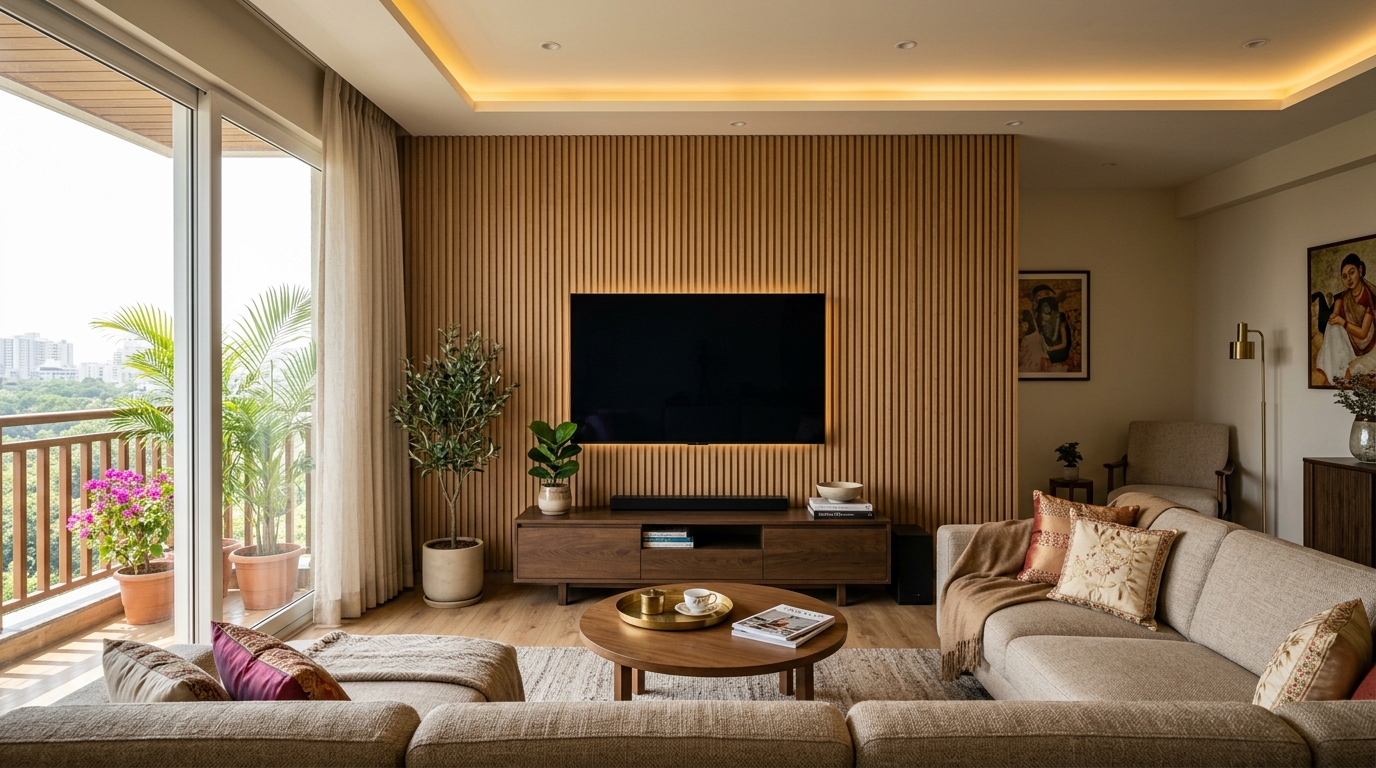
3. Mini-LED (The Next Evolution of LCD Backlighting)
Mini-LED represents the pinnacle of transmissive display engineering. Conventional LED backlights use a few dozen to a couple hundred large LED diodes. Mini-LED replaces these with thousands of microscopic diodes grouped into hundreds or thousands of independently controlled Full Array Local Dimming (FALD) zones.
When a dark night scene contains bright stars or a burning torch, the television powers off the backlights directly behind the black night sky while illuminating only the specific diodes behind the flame. This dramatically minimizes blooming ("halos" around bright objects) and brings black levels remarkably close to OLED, while preserving the immense daylight-piercing brightness (up to 2,000+ nits) that LCD technology is celebrated for.
4. OLED (Organic Light Emitting Diode)
OLED is an emissive display technology. There is zero separate backlighting unit. Every single 4K pixel (all 8.3 million of them) is an individual organic carbon-based diode that illuminates and switches off with microscopic precision.
When a pixel displays black, it turns off completely, emitting zero candelas of light. This yields an infinite contrast ratio and absolute inky blacks that no LCD or Mini-LED display can mathematically replicate. Colors pop with breathtaking vibrancy against true darkness, viewing angles remain virtually flawless up to 80 degrees off-axis, and pixel response time is instantaneous (under 0.1 milliseconds). However, because organic compounds degrade faster under sustained maximum voltage, OLEDs deliver lower full-screen sustained peak brightness (typically 200–250 nits full-field white, peaking at 800–1,300 nits for small highlights) compared to high-end QLEDs.
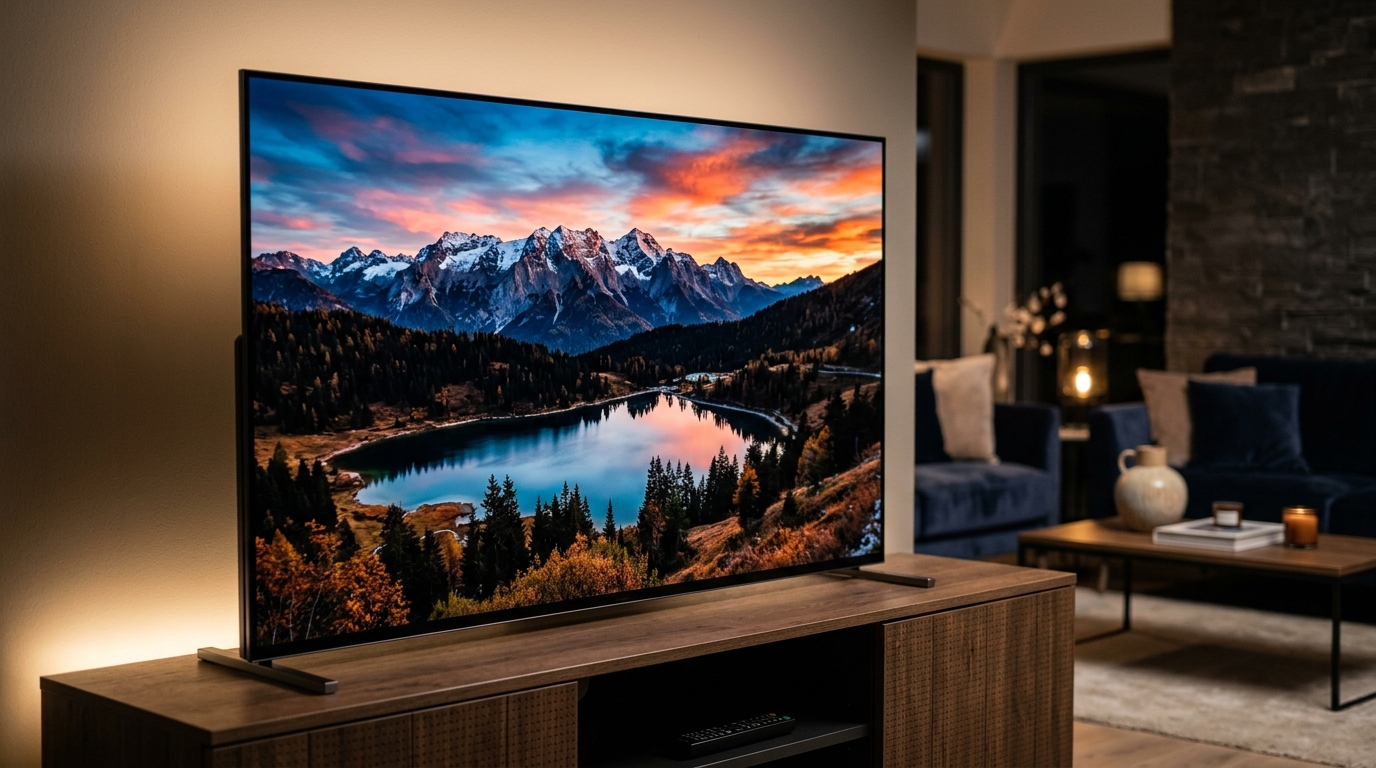
2. Display Technology Comparison Matrix: Contrast, Brightness & Real-World Glare
To help you determine which panel architecture matches your room's specific lighting conditions and your household's viewing patterns, review the detailed technical breakdown below:
| Engineering Metric | Standard 4K LED | QLED (Quantum Dot) | Mini-LED (FALD) | OLED / QD-OLED |
|---|---|---|---|---|
| Pixel Illumination | Global Direct/Edge Backlight | Quantum Dot Backlit LCD | Thousands of Mini Diodes | Self-Emissive (Per Pixel) |
| Black Level Depth | Moderate (Milky/Dark Grey) | Good (Deep Grey to Black) | Excellent (Near Black) | Absolute Pure Black (0 Nits) |
| Native Contrast Ratio | 1,000:1 (IPS) to 4,000:1 (VA) | 4,000:1 to 7,000:1 | 10,000:1 to 50,000:1 | Infinite (∞:1) |
| Peak HDR Brightness | 250 – 350 Nits | 500 – 1,200 Nits | 1,200 – 2,500 Nits | 700 – 1,400 Nits (Small Window) |
| Daylight Room Usability | Struggles in sunlit rooms | Outstanding (Best in Class) | Outstanding (Best in Class) | Best in controlled/dim light |
| Off-Axis Viewing Angles | Narrow on VA (Wider on IPS) | Moderate (Fades past 35°) | Moderate (Fades past 35°) | Flawless (Up to 80°) |
| Screen Burn-In Risk | Zero (Inorganic) | Zero (Inorganic) | Zero (Inorganic) | Low-to-Moderate (Mitigated) |
| Pixel Response Time | 8ms – 12ms | 5ms – 8ms | 4ms – 6ms | < 0.1ms (Near Instantaneous) |
| Typical Indian Price Range | ₹22,000 – ₹45,000 | ₹35,000 – ₹85,000 | ₹65,000 – ₹1,60,000 | ₹80,000 – ₹3,00,000+ |
3. The OLED Burn-in Question: Should Indian Buyers Fear Screen Retention?
The single greatest hesitation among Indian consumers considering an OLED TV is the dread of permanent image retention (burn-in). Burn-in occurs when static graphic elements—such as news channel chyrons (e.g., Aaj Tak or NDTV breaking news bars), cricket scoreboards during IPL marathons, YouTube watermarks, or gaming HUDs—remain illuminated on screen for hundreds of continuous hours. Because the organic red, green, and blue diodes in those specific coordinate positions degrade faster than adjacent pixels, an indelible ghost image can remain visible on solid backgrounds.
How Modern 2026 OLEDs Combat Burn-In
Modern OLED panels from LG Display and Samsung Display incorporate aggressive, multi-layered hardware safeguards:
- Pixel Cleaning / Refresh Cycles: When powered off into standby mode after four cumulative hours of operation, the television automatically initiates a short diagnostic compensation cycle that redistributes electrical resistance across sub-pixels.
- Screen Shift / Pixel Orbiting: The processor quietly shifts the entire image horizontally and vertically by a few sub-pixels at regular intervals, ensuring static borders never hammer the exact same micro-diodes continuously.
- Logo Luminance Detection: Sophisticated AI engines detect static channel bugs, television network logos, and fixed gaming meters, automatically dimming the luminance of just those graphic regions by 30% to 50% without altering the brightness of surrounding action.
- Micro Lens Array (MLA) & Deuterium Stacks: Newer panels utilize specialized heat dissipation heatsinks and microscopic lens layers to boost perceived brightness without driving organic layers with excessive thermal stress.
The Practical Rule for Indian Households
If your television is primarily used for streaming movies, Web series on Netflix/Prime Video, YouTube lifestyle content, and varied video gaming, the risk of burn-in over a 5 to 7-year ownership window is less than 2%. However, if your home features elderly family members who leave 24/7 cable news channels running for 8 to 12 hours every day with bright static tickers, purchasing an OLED is a poor financial choice; you should opt for a high-end Mini-LED or QLED panel instead.
4. Choosing the Right Screen Size: The 43-Inch vs 55-Inch vs 65-Inch Living Room Formula
One of the most frequent consumer errors is purchasing an undersized screen due to outdated beliefs formed during the CRT and 1080p Full HD eras. In standard 1080p resolution, sitting too close allowed viewers to notice individual pixel grids ("screen door effect"). In 4K Ultra HD (3840 × 2160 pixels), the pixel density is four times denser. You can sit significantly closer without seeing grain, allowing the screen to comfortably fill your field of vision for a cinematic experience.
The SMPTE & THX Viewing Distance Formula
The Society of Motion Picture and Television Engineers (SMPTE) recommends that a television screen occupy at least a 30-degree field of view for casual television viewing, and a 40-degree field of view for cinematic movie immersion.
To determine your ideal 4K screen size in inches, measure the distance from your eyeballs on the sofa to the television wall in feet:
Cinema Immersion Formula (40° FOV): Ideal Screen Diagonal (Inches) = Viewing Distance (in Feet) × 8.4
Everyday Mixed Viewing Formula (30° FOV): Ideal Screen Diagonal (Inches) = Viewing Distance (in Feet) × 6.25
| Viewing Distance (Feet) | Metric Distance (Meters) | Ideal Everyday Screen Size | Cinematic Home Theater Size | Typical Indian Room Application |
|---|---|---|---|---|
| 4.5 – 6.0 Feet | 1.4 – 1.8 m | 43 Inches | 50 Inches | Compact bedroom, guest room, study room |
| 6.5 – 8.0 Feet | 2.0 – 2.4 m | 50 – 55 Inches | 65 Inches | Master bedroom, 2BHK apartment living room |
| 8.5 – 10.5 Feet | 2.6 – 3.2 m | 55 – 65 Inches | 75 Inches | Standard 3BHK living hall, open-plan lounge |
| 11.0 Feet or Greater | 3.4+ m | 65 – 75 Inches | 85+ Inches / Laser TV | Large duplex living hall, dedicated theater room |
In Indian apartments, sofa-to-wall distances typically measure between 8 and 10 feet. At this distance, a 43-inch television feels disappointingly small after the first week of ownership, forcing viewers to squint at sports scoreboards and movie subtitles. For standard 8-to-10 foot viewing distances, a 55-inch television represents the absolute ergonomic sweet spot. If your budget permits and your wall clearance accommodates it, upgrading to 65 inches provides an unmatched cinematic upgrade that you will never regret.
5. Smart TV Operating Systems: Google TV vs Samsung Tizen vs LG webOS
The software operating system powers your daily interaction with the TV. A sluggish, ad-bloated OS will frustrate you every time you power on the unit. In the Indian market, three major platforms dominate:
1. Google TV (Built on Android TV 14/15)
Google TV is featured on televisions from Sony, TCL, Hisense, Xiaomi, and OnePlus.
- App Ecosystem: Unmatched. You have native access to the Google Play Store with thousands of optimized TV applications. Every Indian regional streaming service (JioCinema, Disney+ Hotstar, SonyLIV, Zee5, Sun NXT, Aha, ManoramaMax, Hoichoi) receives day-one updates.
- Content Aggregation: Google TV excels at recommending shows across your separate subscriptions into a unified "For You" home ribbon.
- Casting & Voice: Built-in Google Cast allows seamless streaming from any Android, Windows, or Mac Chrome browser. Google Assistant voice search handles Indian accents and multilingual song queries effortlessly.
- Caveat: Demands robust hardware. On budget TVs with weak processors and only 1.5GB of RAM, Google TV can experience UI stutter over time. Prioritize TVs with at least 2GB or 3GB of RAM and quad-core A73 processors.
2. Samsung Tizen OS
Samsung's proprietary operating system operates exclusively on its Crystal UHD, QLED, and Neo QLED lineups.
- Performance & Fluidity: Exceptionally smooth, light on memory overhead, and boots almost instantaneously from standby.
- Smart Home Integration: Built-in Samsung SmartThings hub provides unified control over smart air conditioners, washing machines, and lighting.
- Samsung TV Plus: Offers dozens of free linear television streaming channels (news, music, classic shows) without requiring any paid subscription.
- Caveat: App store selection is strictly curated; sideloading APK files is impossible. AirPlay 2 is supported, but built-in Google Cast is absent (relies on Smart View for mobile mirroring).
3. LG webOS
LG's custom operating system runs on its Nanocell, QNED, and acclaimed OLED product lines.
- The Magic Remote Advantage: LG's Magic Remote features an intuitive gyroscopic air-mouse pointer and clickable scroll wheel. Navigating complex menus, on-screen keyboards, and web browsers is faster and more ergonomic than any traditional directional D-pad.
- Gaming Dashboard: Exceptional game optimizer overlay showing real-time FPS, VRR status, input lag settings, and black stabilizer toggles.
- Caveat: Full-screen home screen features promotional advertisement banners for third-party streaming rentals that cannot be entirely disabled.
6. The Audio Reality Check: Why Almost Every Modern TV Demands a Soundbar
Consumer demand for razor-thin screen profiles and bezeless aesthetic designs has created an unavoidable acoustic casualty: speaker enclosure volume. Generating rich, resonant bass and warm vocal acoustics requires physical cabinet depth and large driver magnets. In a modern television chassis measuring less than 1.5 inches deep, manufacturers are forced to pack miniature 10W or 15W down-firing or rear-firing speaker drivers.
The real-world consequence in Indian homes is frustratingly familiar: dialogue in English and Hindi movies sounds muffled and thin, while background music and explosive sound effects are deafeningly loud. Viewers find themselves constantly riding the remote control volume rocker—turning it up to hear whispering actors, then hurriedly turning it down when action scenes erupt.
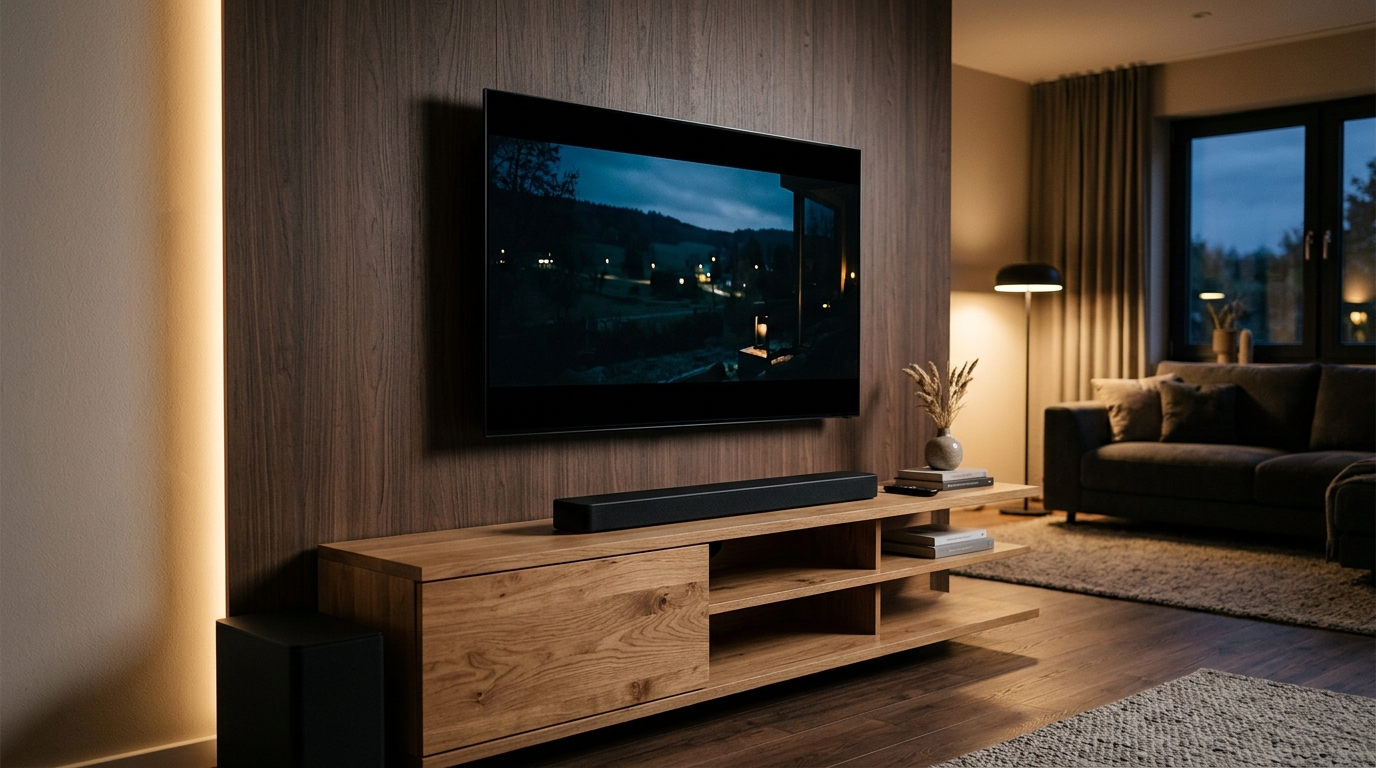
What Audio Specifications Matter?
- A Dedicated Center Channel (3.1 vs 2.1 Soundbars): Standard 2.1 soundbars have a left and right speaker plus an external subwoofer. A 3.1 channel system includes a discrete center channel speaker dedicated entirely to vocal frequencies, completely solving the "muffled movie dialogue" dilemma.
- HDMI eARC (Enhanced Audio Return Channel): Always connect external audio through the TV's HDMI eARC port. Standard optical TOSLink cables lack the bandwidth to transmit uncompressed multi-channel audio. HDMI eARC carries uncompressed Dolby Atmos and high-bitrate PCM audio, while allowing your TV remote to control soundbar volume automatically via HDMI-CEC.
- Dolby Atmos Decoding: When shopping for TVs or soundbars, distinguish between a device that merely decodes Dolby Atmos (accepting the spatial metadata stream) versus hardware that actually features physical upward-firing acoustic drivers to bounce sound off your ceiling.
7. Gaming & High-Frame-Rate Sports: HDMI 2.1, 120Hz/144Hz & Motion Smoothing (MEMC)
If you connect modern gaming consoles (PlayStation 5, Xbox Series X) or a gaming PC, or if your household spends weekends watching fast-paced cricket matches, display refresh specifications become paramount.
60Hz vs 120Hz Native Refresh Rate
Budget and entry-mid-range televisions feature 60Hz panels, refreshing the picture 60 times per second. While perfectly adequate for movies (which are shot at 24 frames per second) and broadcast television, 60Hz panels introduce visible motion blur during high-speed cricket ball tracking and fast camera pans.
Premium QLED, Mini-LED, and OLED models feature true 120Hz or 144Hz native refresh rate panels. When paired with high-bandwidth HDMI 2.1 ports (48Gbps), these screens unlock:
- 4K at 120 FPS Gaming: Buttery-smooth, responsive gameplay in modern titles.
- Variable Refresh Rate (VRR) & AMD FreeSync / Nvidia G-Sync: Dynamically synchronizes the television's refresh rate to the console's rendering speed, completely eliminating screen tearing and stutter.
- Auto Low Latency Mode (ALLM): Automatically detects when a gaming console powers on, switching the TV out of image-processing mode into Low Input Lag Game Mode (reducing button delay from 80ms down to under 10ms).
The Truth About Motion Smoothing (MEMC)
Motion Estimation, Motion Compensation (MEMC) uses processor interpolation algorithms to insert synthetic transition frames between real video frames, making 24fps cinema look hyper-smooth (60fps). For cricket, football, and Formula 1 sports, MEMC is fantastic—it keeps balls and high-speed vehicles sharp and crisp across fast pans.
However, for narrative movies and dramatic web series, MEMC generates the jarring "Soap Opera Effect," making cinematic masterpieces look like cheap daytime reality shows. Ensure your television allows you to toggle MEMC off for movie apps while enabling it independently for HDMI sports inputs.
8. Top Smart TV Recommendations by Budget Tier in India
Based on exhaustive lab testing, panel sourcing audits, and real-world Indian room performance, here are the benchmark recommendations across primary price brackets:
Tier 1: Best Value Entry 4K TVs (Under ₹35,000)
- Target Size: 43 Inches (or entry 50-inch)
- Recommended Panel: Direct-Lit 4K VA or IPS LED with Google TV
- Key Models to Inspect on PriceHunt TV Catalog: TCL 43V6B / Hisense 43A6K Series, Xiaomi X Series 43-inch, Acer Advanced I-Series.
- Verdict: Prioritize models offering at least 2GB RAM, dual-band Wi-Fi (5GHz is mandatory for 4K streaming), and Dolby Vision decoding over gimmicky marketing claims.
Tier 2: The Bright Living Room Sweet Spot (₹35,000 to ₹65,000)
- Target Size: 55 Inches
- Recommended Panel: Quantum Dot (QLED) with Local Dimming or High-Nit Direct LED
- Key Models: TCL 55T6G / C645 QLED, Samsung Crystal UHD / Q60D Series, Hisense Tornado QLED, Sony Bravia 2 Series (KD-55X74L).
- Verdict: The absolute value-for-money tier for Indian family homes. Delivers daylight-piercing 400 to 600 nits of brightness, rich quantum dot colors, and expansive 55-inch real estate that handles sunlit living rooms with ease.
Tier 3: Enthusiast Cinema & Mini-LED (₹65,000 to ₹1,10,000)
- Target Size: 55 to 65 Inches
- Recommended Panel: Mini-LED with 500+ FALD Zones or Entry 120Hz OLED
- Key Models: TCL C755 / C845 Mini-LED (144Hz VRR), Sony Bravia 3 / X82L Series, LG B3 / B4 120Hz OLED, Samsung QN85D Neo QLED.
- Verdict: Extraordinary contrast performance. Mini-LED in this category delivers 1,000+ nits of searing highlight brightness, making HDR content on Apple TV+ and Netflix look lifelike while offering complete immunity to burn-in.
Tier 4: Flagship Reference Cinema (Above ₹1,10,000)
- Target Size: 55, 65, or 77 Inches
- Recommended Panel: Master OLED (MLA) or Quantum Dot OLED (QD-OLED)
- Key Models: LG OLED C4 / G4 Series, Samsung S90D / S95D QD-OLED, Sony Bravia XR A80L / A95L.
- Verdict: The gold standard of home entertainment. Unrivaled inky blacks, infinite depth, microscopic shadow detail, and four full-bandwidth HDMI 2.1 ports for cutting-edge console gaming. Best experienced in light-controlled or evening viewing lounges.
9. Essential Installation, Voltage Stabilizer & Wall-Mounting Checklist
Securing the right television hardware is only half the battle; improper installation can compromise viewing comfort and panel longevity. Execute this essential checklist upon delivery:
1. Wall-Mounting Height Ergonomics
The most common installation mistake in India is mounting televisions far too high on the wall (often above eye level or near ceiling fan clearance). When seated in your natural viewing posture on your sofa, the center of the television screen should align directly with your horizontal eye level. For an average Indian sofa seat height (18 to 20 inches), the center of a 55-inch television should sit approximately 42 to 45 inches off the floor. Mounting higher forces continuous neck extension, causing chronic strain during long movies.
2. Do You Need a Dedicated Voltage Stabilizer?
Most modern smart televisions boast built-in wide voltage protection (e.g., 100V to 290V). However, built-in protection is designed to handle smooth, gradual voltage dips—it cannot absorb sudden high-energy inductive voltage spikes caused by power grid restoration or nearby lightning strikes.
If you live in an independent house, semi-urban area, or an older apartment complex with frequent power cuts and diesel generator changeover surges, investing ₹1,800 to ₹3,000 in a dedicated microprocessor-controlled television stabilizer (e.g., V-Guard Crystal Plus or Microtek EM4160+) is essential insurance for a ₹50,000+ appliance.
3. Panel Inspection During Open-Box Delivery
Never sign for a television delivery or share an OTP without inspecting the panel. Turn on the room lights, check the glass surface for hairline cracks or pressure bruises, verify that all remote control accessories, power cables, and table stands are present in the box, and confirm that the serial number printed on the physical rear chassis matches the serial number on the tax invoice and carton.
10. Frequently Asked Questions
Is OLED worth the extra money over QLED for an Indian living room?
If your room has large unshaded balcony windows and you watch TV primarily during the afternoon with family, QLED or Mini-LED is actually superior due to its significantly higher peak brightness and reflection resistance. OLED is worth the premium primarily if you watch movies in dim lighting, appreciate perfect inky blacks, or have a dedicated home theater lounge.
What is the ideal wall-mounting distance for a 55-inch 4K TV?
For a 55-inch 4K television, the optimal viewing distance is between 7.0 and 8.5 feet (2.1 to 2.6 meters). At this distance, the screen fills roughly 30 to 35 degrees of your peripheral vision, providing a crisp, immersive picture without causing eye fatigue or pixel grain.
Should I buy an extended warranty for a modern Smart TV?
Yes. Television display panels account for 70% to 80% of the total manufacturing cost of the unit. Standard brand warranties cover only 1 year (with occasional 2-year promotional coverage on panels). Purchasing an official manufacturer-backed extended warranty during brand registration is strongly recommended to protect against motherboard failures and panel driver defects.
Can I play PlayStation 5 games smoothly on a 60Hz 4K TV?
Yes, all PS5 and Xbox Series X games will display beautifully in 4K at 60 frames per second on a standard 60Hz television. A 120Hz native panel with HDMI 2.1 is required only if you want to play competitive multiplayer titles (such as Call of Duty, Fortnite, or Destiny 2) at uncapped 120 FPS high frame rates with Variable Refresh Rate (VRR) enabled.
Why do voices sound muffled on my new thin Smart TV?
Ultra-thin modern televisions have virtually no physical acoustic chamber depth, forcing manufacturers to use small 10W–15W down-firing speakers that cannot reproduce clear mid-range vocal frequencies. Adding an external soundbar—especially a 3.1 channel system with a dedicated center dialog driver connected via HDMI eARC—solves this problem immediately.