



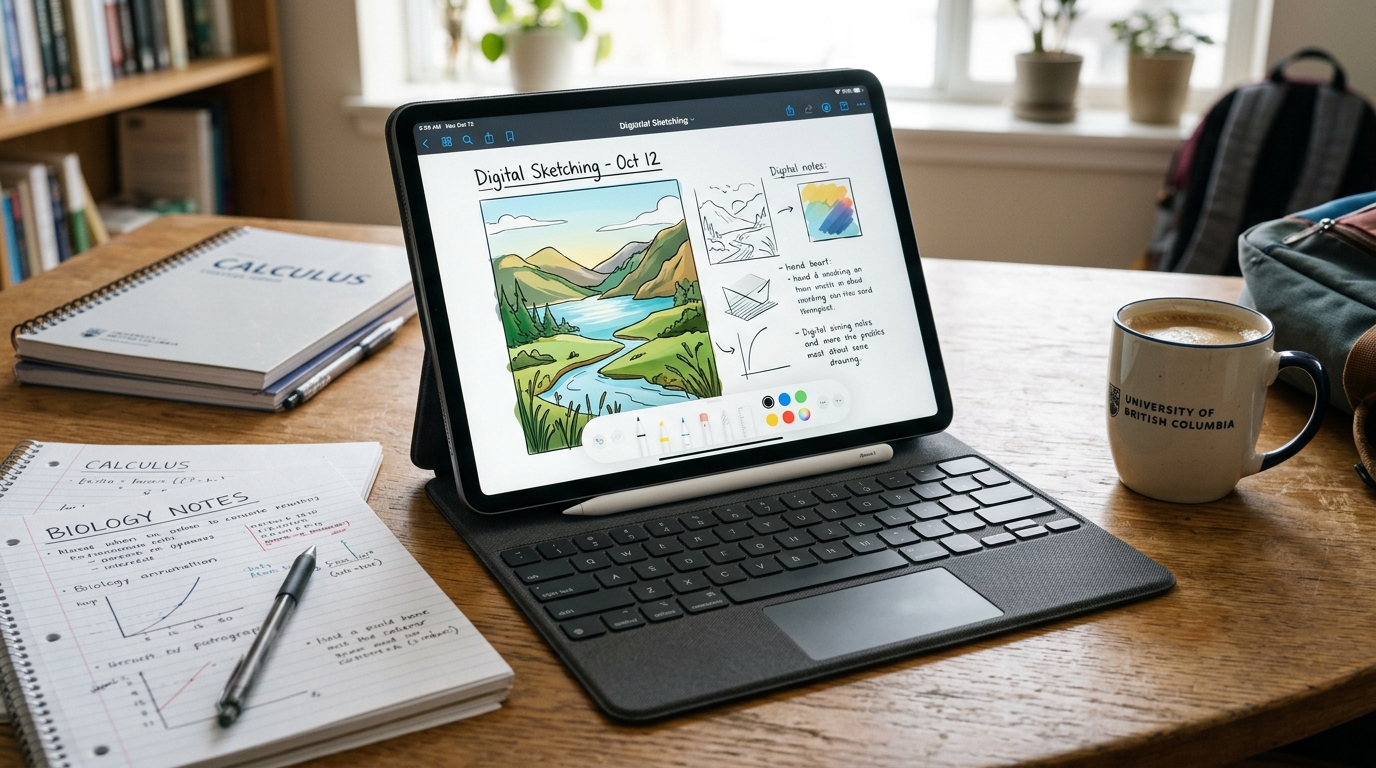
From competitive exam preparation (JEE, NEET, UPSC) and college lecture note-taking to OTT video streaming and professional digital illustration, tablets have become essential personal computing devices for millions of Indian students and professionals.
Our comprehensive Tablet Buying Guide navigates the crucial choices: iPadOS vs Android vs Windows, active stylus pen ergonomics (Apple Pencil vs Samsung S-Pen), high refresh rate displays (120Hz vs 60Hz), desktop multitasking (Samsung DeX vs Stage Manager), and Wi-Fi vs 5G cellular connectivity across every price segment.
Contents at a Glance
1. Operating System: iPadOS vs Android vs Windows
The operating system defines what apps you can run, how long software updates will last, and how easily the tablet integrates with your existing phone or laptop:
Apple iPadOS
Boasts the richest collection of tablet-optimized applications in the industry. Apps like Procreate (illustration), Goodnotes 6 / Notability (handwritten notes), and DaVinci Resolve are tailor-built for multi-touch and Apple Pencil. Delivers industry-leading 5 to 7 years of software OS updates and unmatched resale value. Seamlessly syncs with iPhones and Macs via AirDrop, iCloud, and Universal Clipboard.
Limitations: Closed file management system, strict background multitasking, expensive proprietary accessories (Apple Pencil, Magic Keyboard), and no expandable storage.
Android (Samsung One UI, Xiaomi, OnePlus)
Offers exceptional hardware value for money across budget and mid-range tiers. Provides transparent file management (plug-and-play USB OTG pen drives), split-screen dual app execution, and desktop environments like Samsung DeX that turn the tablet into a floating-window PC when connected to a keyboard and mouse. Many models include microSD card slots for expandable storage and bundle an active stylus right inside the retail box.
Limitations: While major apps (Netflix, YouTube, MS Office) look great, some third-party Android apps are simply stretched smartphone interfaces.
Microsoft Windows 11
Runs genuine x86/ARM64 desktop Windows software, including legacy enterprise ERPs, full desktop Excel with macros, AutoCAD, and specialized coding tools. Ideal for business corporate travelers who need a lightweight 2-in-1 hybrid laptop-tablet.
Limitations: Inferior touch-first tablet app store, heavier weight, and shorter battery life compared to ARM iPads and Android tablets.
2. Choosing Based on Your Primary Use Case
Before looking at spec sheets, determine how your household will use the tablet daily:
- Indian Student Exam Prep & Note-Taking (UPSC / JEE / NEET): Requires a responsive active stylus with natural palm rejection for annotating heavy 500-page PDF coaching modules, split-screening YouTube video lectures side-by-side with digital notebook apps, and long 8–10 hour battery life for coaching library study sessions. Recommended: Apple iPad 10th/11th Gen, Samsung Galaxy Tab S9 FE, Xiaomi Pad 6/7.
- Family OTT Entertainment & Gaming: Demands an immersive high-resolution screen (2.5K / 2.8K, HDR10+, Dolby Vision) with a smooth 90Hz or 120Hz refresh rate, Widevine L1 certification for full-HD Netflix/Prime streaming, and quad stereo speakers with Dolby Atmos. Recommended: OnePlus Pad 2, Samsung Galaxy Tab A9+, Redmi Pad Pro.
- Digital Artists & Designers: Demands low pen latency (<3ms), tilt and pressure sensitivity (4096+ levels), a laminated display with zero parallax gap between pen tip and glass, and color-accurate DCI-P3 gamut. Recommended: Apple iPad Air (M2) / iPad Pro (M4) with Apple Pencil Pro, or Samsung Galaxy Tab S9/S10 series.
- Work & Remote Productivity: Requires a solid magnetic keyboard dock with physical trackpad, desktop windowing mode (Samsung DeX or iPad Stage Manager), USB 3.2 video-out to external monitors, and good front cameras with center-stage framing for Zoom/Teams meetings.
3. Display Quality, Refresh Rate & Audio Architecture
Because you interact with a tablet entirely through its glass panel, display specifications define the user experience:
| Display Technology | Strengths | Drawbacks | Best For |
|---|---|---|---|
| OLED / Dynamic AMOLED 2X | Infinite contrast, true inky blacks, HDR10+, instant pixel response | Higher cost, risk of burn-in with static UI over years | Late-night movie streaming, premium gaming, dark-mode reading |
| Laminated IPS LCD | No air gap between glass and pixels, realistic colors, cost-effective | Blacks look deep gray in a dark bedroom; slight backlight bleed | Digital note-taking, student studying, bright daylit rooms |
| Non-Laminated LCD (Entry-level) | Very cheap to replace glass if cracked | Visible hollow air gap between stylus tip and screen; hollow tapping sound | Basic entry-level kids' e-learning |
Refresh Rate Matters for Pen & Scrolling
A standard 60Hz display feels noticeably sluggish when writing quickly with an active stylus. A 120Hz or 144Hz high refresh rate screen ensures the digital ink trails the physical pen tip instantaneously without perceived lag, making digital handwriting feel as natural as ballpoint on paper.
4. Active Stylus & Keyboard: Costs & Ergonomics
The total cost of ownership often surprises tablet buyers. Assess the accessory ecosystem before purchasing:
Samsung S-Pen (Bundled Free in Box)
On mid-range and flagship tablets (Galaxy Tab S9 FE, Tab S9, Tab S10), Samsung includes the S-Pen inside the retail box at zero extra cost. The S-Pen uses Wacom Electro-Magnetic Resonance (EMR) technology, meaning it never needs charging for basic handwriting or drawing. Its rubber tip delivers authentic paper-like tactile friction without needing matte screen protectors.
Apple Pencil (Sold Separately)
Apple sells its pencils separately as premium add-ons: Apple Pencil (USB-C) costs ₹7,900, while the magnetic charging Apple Pencil Pro costs ₹11,900. While expensive, Apple Pencil offers unmatched drawing physics, haptic feedback, barrel-roll sensors, and seamless integration with the Procreate creative ecosystem.
5. Performance, RAM & Storage Sizing
Unlike smartphones which are replaced every 2–3 years, Indian families typically keep tablets for 4 to 6 years. Choosing appropriate silicon and storage prevents premature obsolescence:
- Storage Warning: Avoid 64GB in 2026: System OS files and pre-installed apps consume 18GB to 25GB right out of the box. Downloading heavy NCERT/coaching lecture videos, offline Netflix episodes, and PDF textbooks will fill a 64GB drive within months. 128GB should be the absolute minimum starting capacity.
- MicroSD Expansion: Many mid-range Android tablets (Samsung Tab S9 FE, Redmi Pad Pro) retain microSD card slots supporting up to 1TB memory cards—ideal for storing hundreds of hours of offline coaching video lectures without paying Apple's high storage tier markups.
- Processor Recommendations:
- Apple Silicon (A14 / A16 / M2 / M4): Dominates computing benchmarks. Even entry-level iPads effortlessly handle 4K video editing, heavy gaming, and multi-layered digital canvases.
- Snapdragon 8 Gen 2 / 8s Gen 3 / 8 Gen 3: Delivers flagship Android performance, excellent thermal management during heavy multitasking, and seamless emulation.
- Snapdragon 7s Gen 2 / MediaTek Dimensity 7050 / G99: Great energy efficiency for video streaming, Zoom lectures, and everyday browsing in the ₹15,000 to ₹25,000 bracket.
- RAM Sizing: Opt for at least 6GB to 8GB of RAM on Android tablets to ensure smooth split-screen multitasking. 4GB RAM models frequently kill background apps when switching between video lectures and note apps.
6. Wi-Fi Only vs 5G Cellular SIM Models
In India, tablets are available in Wi-Fi Only or Wi-Fi + 5G Cellular variants:
Wi-Fi Only (Save ₹4,000 – ₹14,000)
Best for 80% of buyers who use their tablet inside home Wi-Fi networks, college hostels, libraries, or modern office spaces. When travelling, you can easily tether the tablet to your smartphone's 5G portable Wi-Fi hotspot.
5G Cellular SIM (On-the-Go Freedom)
Essential for field executives, doctors, real estate agents, civil engineers on project sites, and commuters who travel on Indian Railways or metro trains where public Wi-Fi is nonexistent or insecure. Cellular models also include dedicated hardware GPS chips for turn-by-turn navigation.
7. Tablet Price Tiers in India (2026)
| Price Bracket | Recommended Category | Key Specs to Expect | Top Recommendations |
|---|---|---|---|
| Under ₹15,000 | Budget Kids & E-Learning | 10.6"–11" 90Hz LCD, 4GB/64GB or 6GB/128GB, quad speakers, plastic/metal build | Redmi Pad SE, Samsung Galaxy Tab A9, Realme Pad 2 |
| ₹15,000 – ₹30,000 | Student Sweet Spot & Media | 11"–12.1" 2.5K 120Hz display, Snapdragon 7s Gen 2 / 870, 8GB/128GB, active pen support | Xiaomi Pad 6 / Pad 7, Redmi Pad Pro, OnePlus Pad Go, Samsung Tab A9+ 5G |
| ₹30,000 – ₹55,000 | Semi-Pro & Premium Students | Apple iPad 10th Gen, iPad Air M2, Samsung Galaxy Tab S9 FE (bundled S-Pen), OnePlus Pad 2 | Best balance of processing power, longevity, pen accuracy, and battery |
| Above ₹60,000 | Pro Creative Workstations | Apple iPad Pro (M4 OLED, ProMotion 120Hz), Samsung Galaxy Tab S9/S10 Ultra (14.6" AMOLED, DeX) | For professional animators, architects, 4K video editors, and laptop replacements |
8. Top Tablet Brands in India
- Apple: The industry standard for tablet software optimization, build longevity, and premium creative apps (Procreate, Logic Pro). Supported by long OS update lifecycles and high resale values.
- Samsung: The undisputed leader in Android tablets. Offers the widest range from budget Tab A series up to massive 14.6" Tab S Ultra flagships. Samsung DeX desktop windowing and bundled S-Pen make it the premier productivity platform.
- Xiaomi / Redmi: Disrupting the mid-range ₹18,000–₹28,000 tier with high-spec aluminum unibody designs, crisp 2.8K 144Hz displays, Dolby Atmos quad speakers, and competitive pen/keyboard accessories.
- OnePlus: Features unique 7:5 aspect ratio displays that mimic textbook paper proportions—offering superior vertical reading space for PDFs and e-books without excessive letterboxing.
- Lenovo: Popular in budget and enterprise tiers with versatile dual-mode smart displays, folio cases, and affordable Android 2-in-1s.
9. Frequently Asked Questions
Q1. Can a tablet completely replace a laptop for an Indian college student?
It depends on your field of study. For humanities, commerce, medicine, civil services (UPSC), law, and school education, a tablet with a keyboard cover handles 95% of tasks: note-taking, reading PDFs, typing assignments, attending Zoom/Meet lectures, and submitting web forms. However, for engineering, computer science, and finance students who need to run specialized desktop IDEs (VS Code, Python, C++), AutoCAD, solid modeling software, or desktop Excel with complex macros, a traditional Windows or Mac laptop remains indispensable.
Q2. Does Samsung include the S-Pen inside the box, or is it sold separately?
Samsung bundles the S-Pen free of charge in the retail box for all Galaxy Tab S series models (including the Tab S9 FE, Tab S9 FE+, Tab S9, and Tab S10). However, entry-level Galaxy Tab A series tablets do not support or include the S-Pen.
Q3. Is 64GB internal storage sufficient on an iPad or Android tablet?
No. 64GB is severely restrictive in 2026. The operating system and cached system files take up 15–20GB. Installing standard apps, downloading a dozen offline coaching lectures, and saving PDF textbooks quickly exhausts the remaining space. We strongly advise opting for 128GB or 256GB storage, especially on iPads where storage cannot be expanded via memory cards.
Q4. What is the benefit of a 7:5 or 4:3 aspect ratio display over 16:9 or 16:10?
Widescreen 16:9 or 16:10 aspect ratios are great for watching Hollywood movies, but feel awkwardly tall and narrow when held vertically for reading books or taking notes. Proportions like 4:3 (iPad) or 7:5 (OnePlus Pad) closely match standard A4 paper and physical textbook dimensions, offering 15%–20% more usable screen area for split-screen apps and document editing.
Q5. Can I use a generic capacitive stylus from Amazon instead of the official active pencil?
Generic capacitive pens (with clear plastic discs or rubber tips) simply mimic your finger touch. They lack pressure sensitivity, offer zero palm rejection (meaning resting your palm on the screen creates accidental scribbles), and suffer from significant lag. For handwriting notes or sketching, you must use an active Bluetooth or EMR stylus designed specifically for your tablet's digitizer layer.